
Instagram's New Replace Audio Feature Lets You Change Music on Published Posts
Instagram now lets creators replace audio on published posts without deleting them or losing likes, comments, and shares. Here's how the new Replace Audio feature works.
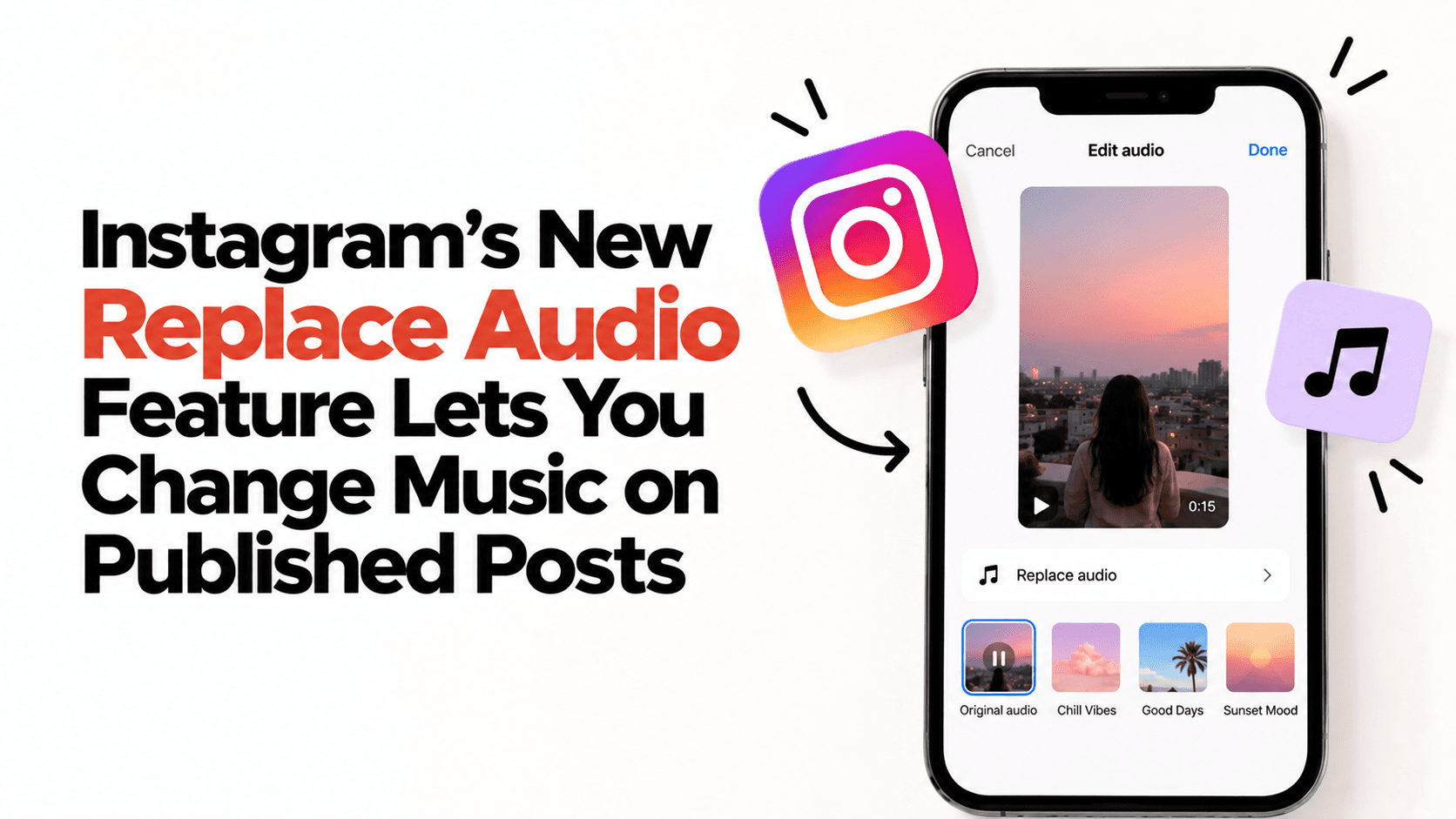
Instagram's New Replace Audio Feature Lets You Change Music on Published Posts
Made a great Reel but picked the wrong audio?
You no longer have to delete the post and start over.
Instagram has introduced Replace Audio, a new feature that allows creators to change the music on already published photo and video posts while keeping all their existing engagement intact.
Here's everything creators need to know.
What Is Instagram's Replace Audio Feature?
The new Replace Audio feature lets you swap the background music on an existing Instagram post without re-uploading it.
That means your:
- Likes
- Comments
- Shares
- Saves
stay exactly where they are.
Instead of deleting a post because of an outdated or incorrect soundtrack, you can simply replace the audio.
Why Is This a Big Deal?
For years, creators had only one option - delete the post and upload it again.
Now, you can:
- Refresh older content with trending audio.
- Fix posts uploaded with the wrong soundtrack.
- Keep all your existing engagement.
- Save time by avoiding a complete repost.
It's a small update that can make a big difference to your content workflow.
Does Changing the Audio Boost Your Reach?
No.
Instagram has clarified that replacing the audio does not give your post an algorithm boost or push it back into followers' feeds.
The feature is designed to give creators more flexibility, not to resurface old content.
How to Use Replace Audio
If the feature is available on your account:
- Open one of your published posts.
- Tap the three-dot menu.
- Select Replace Audio.
- Choose a new track from Instagram's music library.
- Save your changes.
If you don't see the option yet, don't worry-Instagram is rolling it out gradually, so availability may vary by account and region.
Why Creators Should Care
Music plays a huge role in content performance and audience experience.
With Replace Audio, creators can quickly update older posts, fix audio mistakes, or switch to a more suitable track - all without sacrificing the engagement they've already earned.
The Bottom Line
Instagram's Replace Audio feature is one of its most practical creator updates yet.
While it won't boost your reach, it gives creators more control over published content and removes one of the biggest frustrations of posting on the platform.
If you've ever wished you could change the music on a live post without losing likes and comments, your wish has finally come true.
Ready to start your creator journey?
Download Hey! Creators. Brand deals, affiliate earnings, AI tools, and everything you need in one app.