
Instagram Insights Explained: Metrics Creators Should Track
Instagram Insights explained for creators. Learn which Instagram metrics to track, what they mean, and how to use your data to improve your content strategy.
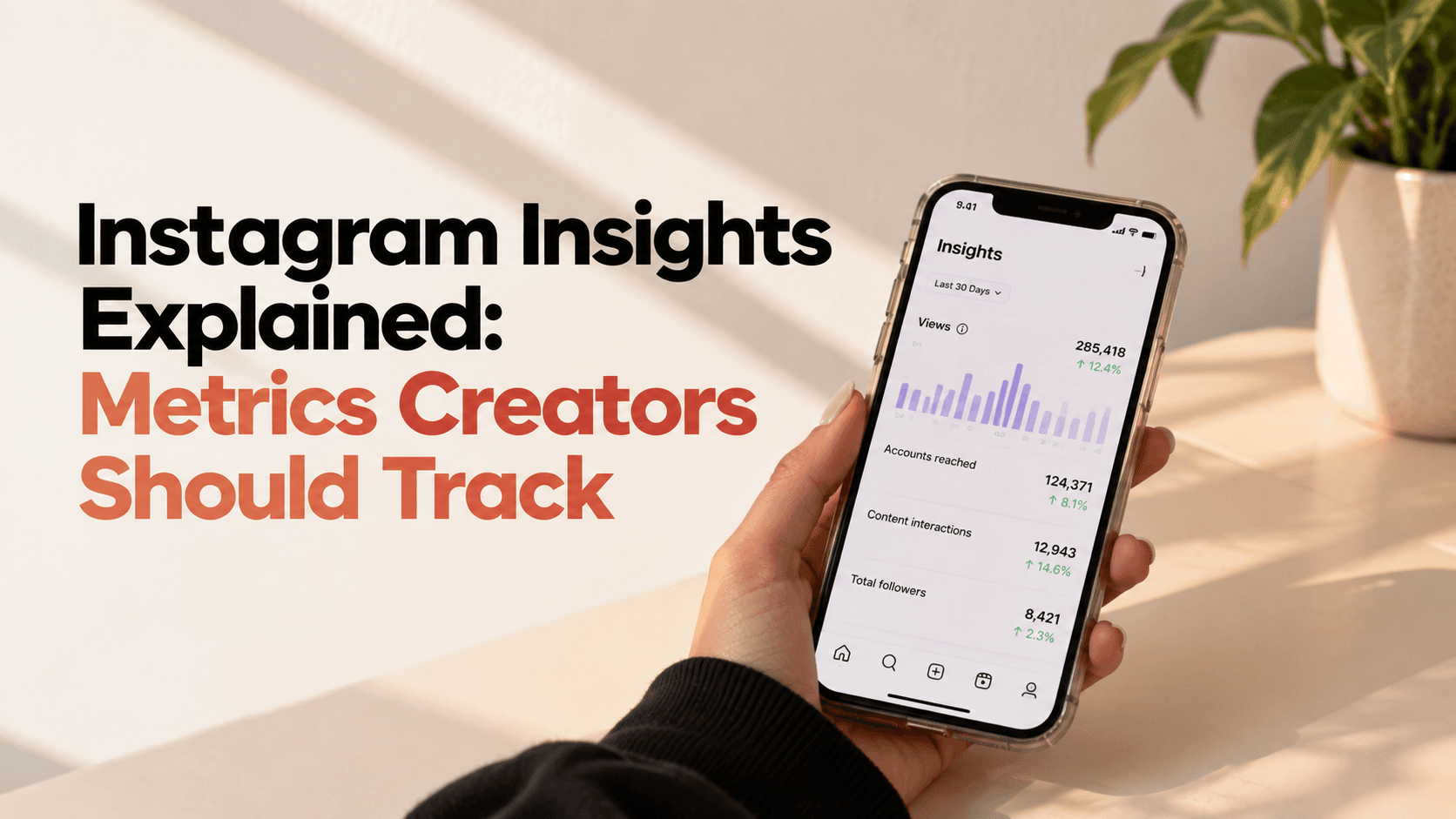
You open Instagram Insights and see a long list of numbers.
Reach. Views. Accounts engaged. Watch time. Shares. Saves. Profile activity.
But which ones actually matter?
You don't need to track every number Instagram gives you. The useful approach is to understand what each metric tells you and what decision you can make from it.
Here's a simple breakdown of the most useful Instagram Insights metrics for creators and how to use them.
What Is Instagram Insights?
Instagram Insights is Instagram's built-in analytics area that provides information about how your account and content are performing.
Depending on the account and content type, you can find information about:
- Accounts reached
- Views
- Accounts engaged
- Interactions
- Followers
- Content performance
- Audience demographics
- Content-specific performance
The numbers are useful, but the real value comes from comparing them over time.
Instead of asking "Is this number good?", ask:
"What is this number telling me about my content?"
1. Accounts Reached
Accounts reached tells you how many unique accounts saw your content during the selected period.
This is different from views because one person can view content multiple times.
Reach is particularly useful when you're trying to understand content discovery.
If your reach is increasing, your content is getting in front of more accounts.
But don't celebrate reach alone.
Look at where that reach is coming from and what those people did next.
2. Views
Views tell you how many times your content was played or displayed, depending on the content format and Instagram's measurement.
For video content, views can help you understand how much exposure your content received.
But a high view count doesn't automatically mean your content was successful.
A video can receive plenty of views while generating very few meaningful actions.
That's why views should be read alongside retention, shares, saves, profile activity, and other relevant metrics.
3. Accounts Engaged
Accounts engaged shows the number of unique accounts that interacted with your content.
This gives you a broader picture than simply looking at your total number of likes or comments.
If your content reaches 10,000 people but only a small portion takes an action, that's different from content that reaches fewer people but generates strong interaction.
For creators, this can help identify content that creates an active response rather than simply being seen.
4. Interactions
Interactions can include actions such as likes, comments, saves, and shares, depending on the content and Instagram's reporting.
Don't treat all interactions as identical.
A save can indicate that someone wants to return to your content.
A share can indicate that they found it useful or relevant enough to send to someone else.
Comments can reveal questions, opinions, or conversations.
Look at which interaction your content is generating, not just the total number.
5. Saves
Saves are particularly useful for educational or practical content.
Think:
- Tutorials
- Checklists
- Recipes
- Guides
- Tips
- Step-by-step content
If certain topics consistently generate saves, your audience may see that content as useful enough to revisit.
That can influence what you create next.
For example, if your "how-to" posts consistently receive more saves than your general advice posts, you may have found a content format worth exploring further.
6. Shares
Shares can tell you that your content was useful, entertaining, relatable, or relevant enough for someone to send to another person.
Look for patterns.
Are your most-shared posts:
- Relatable?
- Educational?
- News-based?
- Opinion-driven?
- Practical?
- Entertaining?
Once you identify the pattern, you can test more content around it.
7. Profile Activity
Profile visits can show that your content made someone curious enough to learn more about you.
This is especially useful for creators trying to:
- Build a personal brand
- Attract brand collaborations
- Grow their community
- Drive traffic to another platform
- Promote products or services
A post with moderate reach but strong profile activity may be more valuable to your creator business than a post with high reach and little follow-up action.
8. Follows From Content
Don't just look at whether your follower count increased.
Check whether individual pieces of content are helping you attract new followers.
If one type of Reel consistently generates more follows than another, that's useful information.
It can tell you which topics or formats are better at convincing viewers that your account is worth following.
9. Audience Demographics
Instagram provides audience information such as age ranges, gender distribution, and top locations where available.
This can be particularly useful when you're working with brands.
For example, if your content attracts a particular age group or geographic audience, that information can help you identify whether a potential collaboration is relevant to your community.
Keep your audience information updated in your media kit so you don't have to search through screenshots whenever a brand asks for your creator statistics.
10. Content-Level Performance
Don't only review your account's overall numbers.
Open individual posts and compare their performance.
Look for combinations such as:
High reach + high shares
→ Potentially strong discovery content.
Low reach + high saves
→ Content may be valuable to a smaller audience.
High views + low profile activity
→ People watched, but weren't necessarily curious about the creator.
Moderate reach + strong follows
→ The content may be particularly effective at converting viewers into followers.
These combinations are often more useful than chasing a single "best" metric.
How Often Should Creators Check Instagram Insights?
You don't need to check your numbers after every post.
That can make normal fluctuations feel like a crisis.
Instead, review your performance regularly and compare groups of posts.
For example, at the end of each week, identify:
- Your strongest-performing content
- Your most-saved post
- Your most-shared post
- Your biggest follower driver
- Your best-performing format
Then look for patterns across several weeks.
The goal isn't to obsess over analytics.
It's to make better content decisions.
How to Turn Instagram Insights Into Content Ideas
This is where analytics becomes genuinely useful.
Suppose you discover:
Tutorials → highest saves
Relatable Reels → highest shares
Product reviews → highest profile visits
Instead of asking what to post every morning, you now have three content directions backed by your own audience data.
Your analytics becomes part of your content planning process.
If you want to review these patterns beyond individual Instagram reports, Social Insights on Hey! Creators can help you bring content performance and audience behaviour into one place, making it easier to identify what consistently works.
Don't Compare Every Metric With Other Creators
One creator's "good" reach may be completely different from another's.
Different niches, audiences, formats, posting frequency, and content types produce different results.
Your own historical performance is often a more useful benchmark.
Instead of:
"Why does that creator get 100K views?"
Ask:
"Is this Reel performing better than my previous Reels?"
That comparison gives you something you can actually act on.
Final Thoughts
Instagram Insights isn't useful because it gives you more numbers.
It's useful because those numbers can help you understand your audience and make better creative decisions.
Start with the metrics that answer practical questions:
How many people saw my content?
What made them interact?
Which content brought people to my profile?
What convinced someone to follow?
Which topics and formats consistently perform well?
Once you start reading your analytics this way, Instagram Insights becomes less of a dashboard and more of a content-planning tool.
And if you want a broader view of your performance, Social Insights on Hey! Creators can help you identify content patterns and audience behaviour without relying on one post or one metric.
Frequently Asked Questions
What Instagram Insights should creators track?
Creators should pay attention to reach, views, accounts engaged, interactions, saves, shares, profile activity, follows from content, and audience information. The most useful metrics depend on your content goals.
Is Instagram reach more important than views?
Not necessarily. Reach measures unique accounts reached, while views can represent repeated exposure depending on the content type. Both provide different information and should be considered alongside other metrics.
Why are Instagram saves important?
Saves can indicate that viewers found your content useful enough to return to later. They can be particularly useful for tutorials, guides, checklists, and educational content.
What do Instagram shares tell creators?
Shares show that people are sending your content to others. Looking at which topics and formats generate the most shares can help you understand what your audience finds particularly useful, relatable, or entertaining.
How often should I check Instagram Insights?
A weekly or monthly review can help you identify patterns without overreacting to normal day-to-day fluctuations. Compare multiple posts rather than judging your strategy from one result.
Ready to start your creator journey?
Download Hey! Creators. Brand deals, affiliate earnings, AI tools, and everything you need in one app.