How to Use Instagram Trial Reels: A Creator's Guide
Learn how to use Instagram Trial Reels, test content with non-followers, track performance and discover ways to grow your audience.
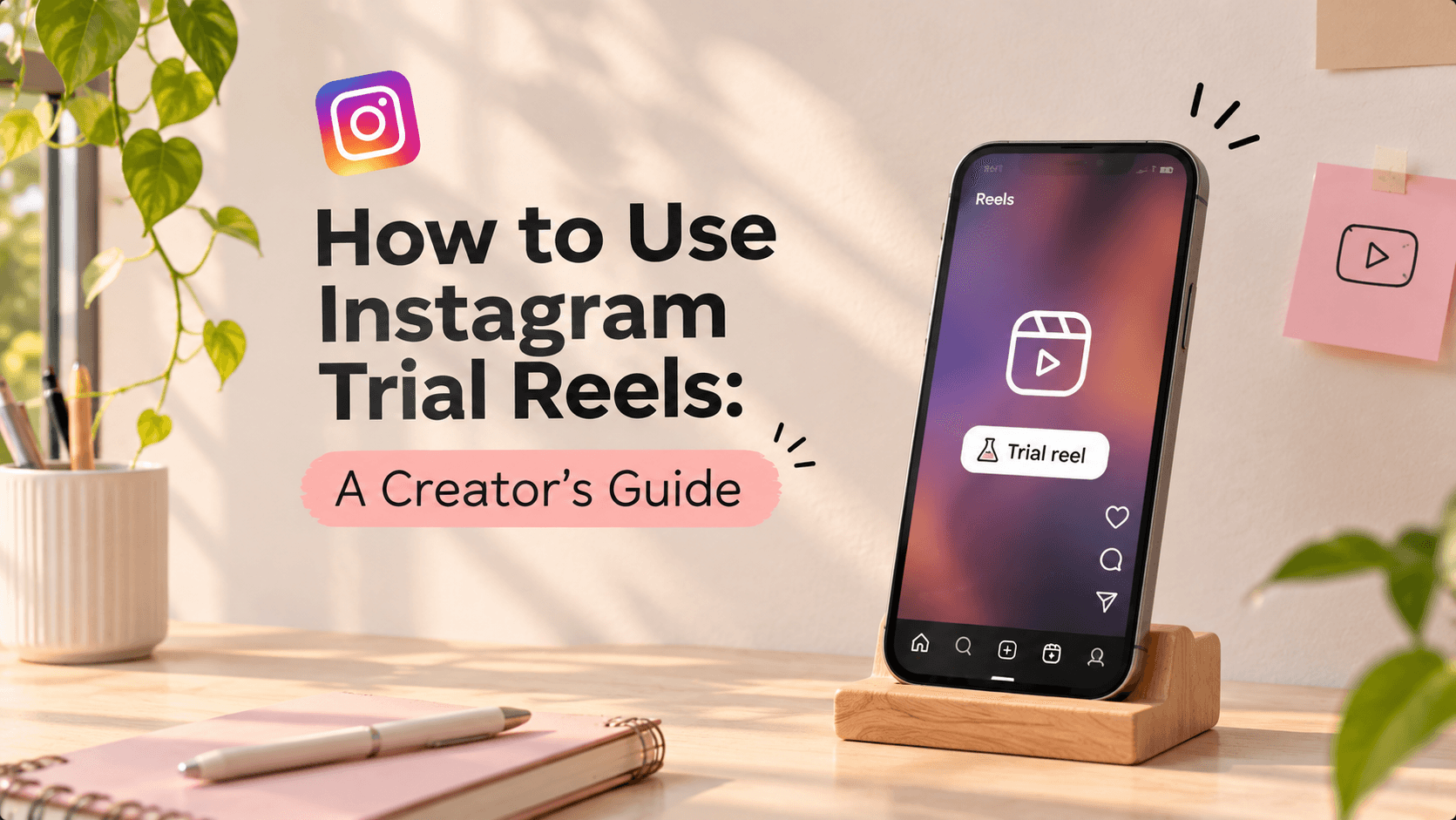
How to Use Instagram Trial Reels as a Creator
Instagram Trial Reels allow creators to test their content with non-followers before sharing it with their existing audience. Whether you want to experiment with a new niche, test different video formats or understand what content resonates with viewers, this feature helps you evaluate your ideas using real engagement insights.
What Are Instagram Trial Reels?
Instagram Trial Reels allow creators to share Reels with non-followers first.
Unlike regular Reels, which can appear in your followers' feeds, Trial Reels are initially distributed to people who don't follow your account. This gives you an opportunity to understand how new audiences respond to your content.
For example, if you're a fashion creator who usually posts outfit inspiration but want to experiment with beauty tutorials, you can test that new format using Trial Reels before sharing it with your regular audience.
The best part? Your Trial Reel won't appear on your main profile grid or Reels tab unless you decide to share it with everyone.
How to Post a Trial Reel on Instagram
Using Trial Reels is quite simple. You don't need a separate account or any additional editing tools.
Here's how to get started:
Step 1: Create Your Reel
Open Instagram and create a Reel just like you normally would. Record a new video or upload one from your gallery.
Step 2: Enable the Trial Option
Once you've finished editing your Reel, move to the final sharing screen. Look for the Trial toggle and turn it on.
Step 3: Choose Your Sharing Preference
Instagram also gives you the option to automatically share your Trial Reel with everyone if it performs well within the first 72 hours.
You can enable this option or choose to review the performance and share it manually.
Step 4: Publish Your Trial Reel
Tap Share and your Reel will be distributed to a test audience of non-followers.
Step 5: Check Your Performance
After approximately 24 hours, you can view important engagement metrics, including views, likes, comments and shares.
Use these insights to understand how your content is performing before deciding what to do next.
What Happens After You Publish a Trial Reel?
Publishing is just the beginning. The interesting part is understanding what happens next.
- Your followers won't see it in their regular feed: Trial Reels are initially shown to non-followers.
- It won't appear on your main profile grid: Your Reel remains hidden from your public profile until you share it with everyone.
- You can check its performance: Instagram provides engagement insights after approximately 24 hours.
- You can share it with everyone later: If you're happy with the results, you can make it available to your followers.
- You can automate sharing: Instagram can automatically share a Trial Reel with everyone if it determines that the Reel is performing well within the first 72 hours.
One thing to remember: Trial Reels aren't completely invisible to your existing followers. Someone could still come across one if it is shared through a DM or appears in certain places outside the regular feed.
5 Ways Creators Can Use Trial Reels
Trial Reels aren't just another Instagram feature. They can help you experiment with your content without immediately changing what your existing audience sees.
Here are five ways to make the most of them.
1. Experiment With a New Content Niche
Want to move from fashion content to lifestyle videos? Or try food reviews alongside your regular travel content?
Use Trial Reels to test different topics and see how new audiences respond.
2. Try Different Video Formats
Not every creator needs to stick to one video style.
Experiment with voiceovers, storytelling, tutorials, talking-head videos or mini-vlogs to understand which formats connect with viewers.
3. Test Content Hooks
The first few seconds of a Reel can make a difference.
Try different ways of introducing the same idea. Experiment with a question, a surprising statement or a relatable situation and observe how people respond.
4. Reach People Outside Your Existing Audience
Trial Reels give your content an opportunity to reach people who haven't discovered your account yet.
This can help you understand whether your content appeals to audiences beyond your current follower base.
5. Explore Ideas Without Overthinking
Have an unusual content idea you've been postponing?
Instead of worrying about whether your followers will like it, use Trial Reels to experiment. Sometimes, trying something different can help you discover a new content direction.
What Should You Check Before Sharing a Trial Reel With Everyone?
Don't judge a Reel based on views alone. Take a closer look at its performance.
Here are a few things worth checking:
- Views: How many people watched your Reel?
- Likes: Did viewers enjoy the content?
- Comments: Did the video encourage people to respond?
- Shares: Did viewers find it interesting enough to share with others?
- Overall response: Did the content connect with the audience you were trying to reach?
What Do Your Trial Reel Insights Tell You?
Your engagement metrics can offer useful clues about how people respond to your content.
- High shares: Your content may be relatable or useful.
- High comments: Your content may be encouraging discussion.
- High views but low engagement: The hook may be attracting attention, but the content might not be holding audience interest.
- Strong engagement: Consider sharing the Reel with everyone.
Remember, a higher view count doesn't automatically mean a Reel is successful. Look at the overall response and consider whether the content achieved what you wanted it to.
Common Mistakes to Avoid When Using Trial Reels
Before you start experimenting, keep these things in mind:
- Don't expect every Trial Reel to go viral.
- Don't judge your content too quickly based on its initial views.
- Don't keep experimenting without understanding what your insights tell you.
- Don't assume that a successful Trial Reel guarantees the same performance when shared with followers.
- Don't use the feature only to chase views. Use it to discover what works for your content.
Most importantly, remember that Trial Reels are a testing tool, not a guaranteed growth shortcut.
Frequently Asked Questions (FAQs)
1. Are Instagram Trial Reels visible to my followers?
Trial Reels are initially shown to non-followers and won't appear in your followers' regular feeds or your main profile grid. However, followers may still come across them through certain sharing options or other Instagram surfaces.
2. Can I share a Trial Reel with my followers later?
Yes! You can manually select the Share to Everyone option after reviewing its performance. You can also enable automatic sharing if Instagram determines that the Reel is performing well.
3. How long should I wait before checking my Trial Reel performance?
Instagram provides key engagement insights approximately 24 hours after publishing. You can use these metrics to evaluate your content and decide whether to share it with everyone.
4. Do Trial Reels help increase Instagram followers?
Trial Reels can introduce your content to people who don't follow you, giving you an opportunity to attract new audiences. However, gaining followers isn't guaranteed. Your content needs to give viewers a reason to visit your profile and follow you.
5. Can I use Trial Reels to experiment with a different niche?
Absolutely! That's one of the most useful ways to use this feature. You can explore new topics, formats and creative styles without immediately changing the content your regular followers see.
6. Why can't I see the Trial Reels option on my Instagram account?
If you can't find the Trial Reels option, check the following:
- Account privacy: Make sure your Instagram account is public.
- Recommendation eligibility: Check whether your account is eligible to have its content recommended to non-followers. You can review this under Account Status.
- Feature availability: Check whether Trial Reels are available for your account, as access may vary.
If your account meets these conditions but the option still doesn't appear, check for Instagram app updates and try again later.
Final Thoughts
Creating content shouldn't mean sticking to the same format forever.
Sometimes, the best ideas come when you step outside your comfort zone and experiment with something new.
Instagram Trial Reels give creators the freedom to do exactly that. So, the next time you have an idea you're unsure about, give it a try. You never know what your next audience favourite might be!
Keep creating, keep experimenting and let your content surprise you.
Ready to start your creator journey?
Download Hey! Creators. Brand deals, affiliate earnings, AI tools, and everything you need in one app.