How to Remove a YouTube Copyright Claim Through the Dispute Process
Learn when to dispute a YouTube Copyright Claim, how the dispute process works, and the difference between a Copyright Claim and a Copyright Strike.
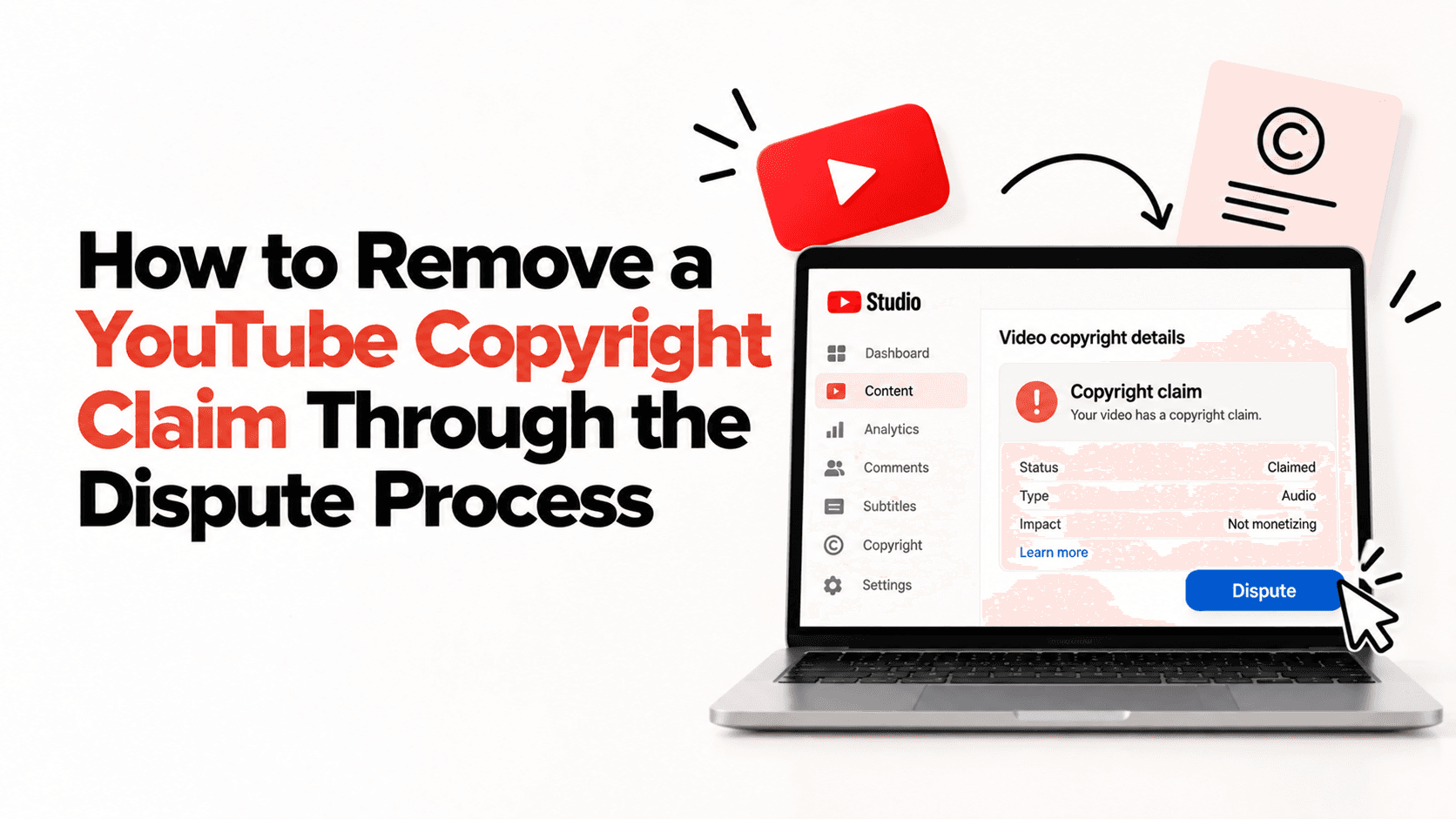
Seeing a Copyright Claim on your YouTube video can be alarming.
But before you click "Dispute," here's something many creators don't realize:
A Copyright Claim and a Copyright Strike are not the same thing.
A claim usually means YouTube's Content ID system has identified copyrighted material in your video. Depending on the rights holder's policy, they may monetize the video, track its performance, or block it in certain countries. A claim doesn't automatically result in a channel penalty.
A Copyright Strike, however, is a formal legal takedown request and can affect your channel if multiple strikes are received.
Knowing the difference is the first step before taking any action.
Should You Dispute a Copyright Claim?
Don't dispute every claim.
A dispute should only be considered if you genuinely believe the claim is incorrect- for example:
- You own all the content in the video.
- You have permission or a valid licence to use the copyrighted material.
- Your use qualifies under an applicable legal exception (such as fair use in some jurisdictions), though this is assessed case by case.
- Content ID identified the wrong content.
If you knowingly used copyrighted music, clips, or videos without permission, filing a dispute is unlikely to succeed.
How to Submit a Dispute
If you believe the claim is incorrect:
- Open YouTube Studio.
- Select the affected video.
- Open the Copyright section.
- Review the claim details.
- If you're eligible and have a valid reason, choose Dispute and follow the instructions.
Be honest and provide accurate information. False disputes may have consequences if the rights holder challenges them.
Before You Hit Submit...
Ask yourself one question:
Can I explain why this claim is incorrect with evidence?
If the answer is yes, submitting a dispute may be appropriate.
If the answer is no, it's usually better to remove or replace the copyrighted content instead.
One Last Thought
A Copyright Claim doesn't always mean you've done something wrong - it often means YouTube's Content ID has matched part of your video with copyrighted material.
The key isn't to dispute every claim.
It's to understand which claims are worth disputing and which are better resolved another way.
The more you understand YouTube's copyright process, the more confidently you can protect your content and your channel.
Ready to start your creator journey?
Download Hey! Creators. Brand deals, affiliate earnings, AI tools, and everything you need in one app.