
How to Read a YouTube Studio Dashboard Without Getting Lost
Confused by YouTube Studio Analytics? Learn which metrics to check first, how to read Reach, CTR, retention, audience and revenue, and turn your dashboard into content decisions.
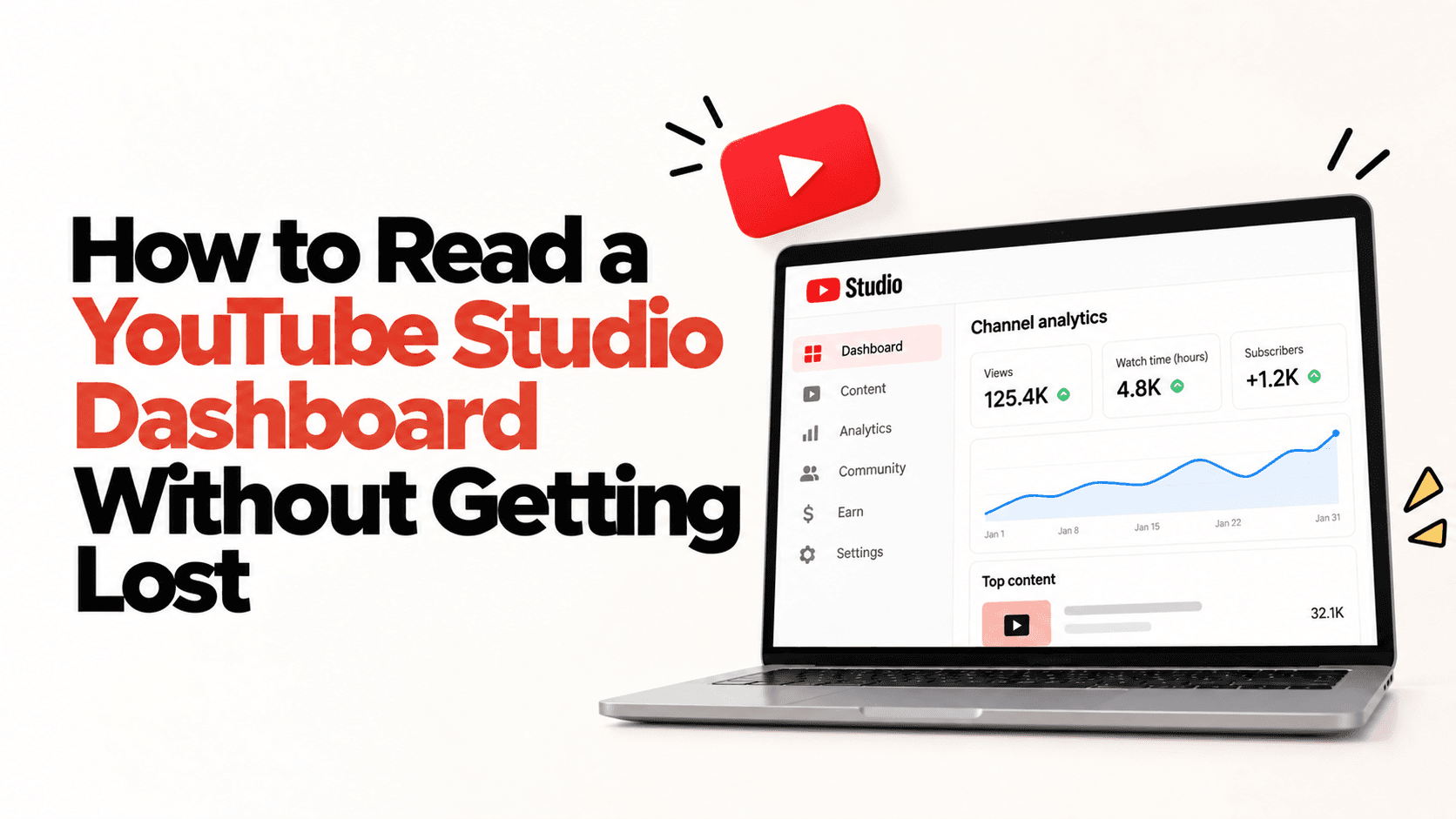
YouTube Studio can show you a lot of numbers at once.
Views. Watch time. Subscribers. Impressions. CTR. Retention. Traffic sources. Returning viewers.
You don't need to check everything.
You need to know which number answers which question.
Start With the Overview
Think of Overview as your health check.
Look at:
- Views
- Watch time
- Subscribers
- Estimated revenue, if you're in the YouTube Partner Programme
YouTube's Overview also lets you compare performance with your typical results, which can help explain whether a recent video is performing above or below your usual level.
Question to ask:
Is my channel moving in the right direction?
Don't spend too much time here. Move deeper when something looks interesting—or unusual.
Then Ask: How Did People Find Me?
Go to Reach for individual videos.
The key numbers include:
- Impressions
- Impressions click-through rate
- Views
- Unique viewers
- Traffic sources
Here's the useful part:
High impressions + low CTR?
Your thumbnail/title may need attention.
Low impressions + strong CTR?
The people seeing it are clicking, but the video isn't getting as much exposure.
Don't treat CTR as a standalone “good or bad” score. Read it alongside impressions and views.
Next: Did They Actually Watch?
This is where Engagement matters.
Check:
- Watch time
- Average view duration
- Audience retention
YouTube's retention report shows which parts of a video hold viewers' attention and where viewers start leaving. You can also compare retention with videos of similar length.
Instead of asking:
“Why didn't this video get more views?”
Ask:
“Where did people stop watching?”
That gives you something you can actually improve in the next video.
Then Look at Your Audience
The Audience section tells you who is actually watching.
You can see metrics around:
- Monthly audience
- Subscribers
- New viewers
- Casual viewers
- Regular viewers
This is where you find out whether you're just attracting new viewers—or giving them a reason to come back.
A video bringing lots of new viewers is useful.
A channel building regular viewers is a different kind of win.
Don't Ignore Traffic Sources
Your views can come from different places, such as YouTube Search, suggested videos, browse features or external sources.
Check this when a video performs differently from your usual content.
For example:
A video getting most of its views from Search may tell you there's ongoing demand for that topic.
A video getting strong Suggested traffic can give you clues about what YouTube is connecting your content with.
YouTube's Reach reports show where viewers found your content.
Revenue Comes Last
If you're monetized, check Revenue after understanding the content performance.
Look at:
- Estimated revenue
- Revenue by content
- Revenue sources
YouTube says the Revenue tab can show which content and revenue sources are contributing most to earnings.
Don't judge a video's value only by views.
A lower-view video can still be commercially stronger if it generates better revenue or supports a valuable audience.
And There's One Tab Creators Shouldn't Skip
Trends.
YouTube's Trends tab can show what your audience and viewers across YouTube are searching for, helping identify content gaps and potential ideas for videos and Shorts.
So instead of ending your analytics session with:
“That video got 20K views.”
You can leave with:
“People are searching for this. My audience watches this. This topic holds attention. This is what I should test next.”
The 5-Minute YouTube Studio Check
You don't need to live inside Analytics.
Try this order:
1. Overview - Is performance up or down?
2. Reach - How are people finding the video?
3. Engagement - Are they actually watching?
4. Audience - Who is coming back?
5. Trends - What should I create next?
Then investigate only the numbers that raise a question.
Creator Takeaway
Don't read YouTube Studio like a report. Read it like a conversation with your audience.
Every number should answer something:
Reach: Did people find me?
CTR: Did they choose to click?
Retention: Did they stay?
Audience: Did they come back?
Revenue: Did the content create income?
Trends: What should I make next?
That's how you stop getting lost in the dashboard and start using it to make better videos.
Ready to start your creator journey?
Download Hey! Creators. Brand deals, affiliate earnings, AI tools, and everything you need in one app.