
How to Deal With Repeated Revision Requests From Brands
Learn how creators can handle repeated brand revisions, set clear revision limits, protect their time, and manage scope changes without hurting brand relationships.
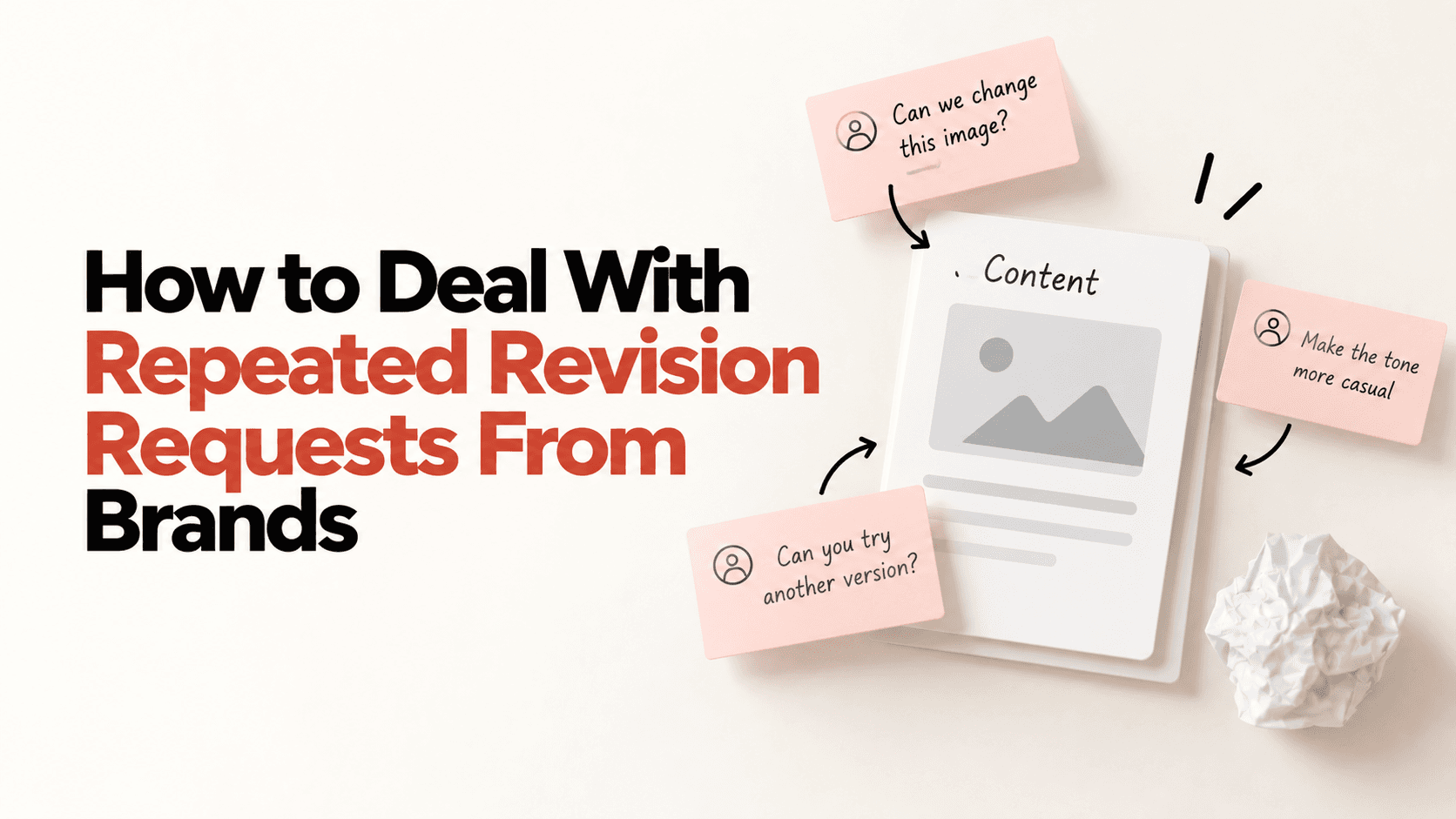
“Just one small change…”
Then another.
Then another.
Suddenly, your “one Reel” has become three rounds of reshoots.
Here's how to stop revisions from quietly becoming extra work.
First, Define What a Revision Means
A revision could be:
- Changing a line
- Adjusting a shot
- Fixing a product mention
- Tweaking the CTA
But changing the entire concept, script, or direction is different.
That's a scope change not just another edit.
Set a Revision Limit
If the campaign doesn't specify one, consider agreeing on 1–2 revision rounds upfront.
For example:
“The collaboration includes up to 2 rounds of revisions. Any major creative changes or additional reshoots will be discussed separately.”
There's no universal rule that says two revisions are required. The important thing is that both sides agree on the limit before work begins.
Keep the Original Brief
This becomes your reference point when feedback keeps changing.
If the brand asks for something that wasn't in the original brief, don't immediately start reshooting.
Ask:
“Is this a revision to the agreed concept, or a change in direction?”
That one question can save a lot of unnecessary work.
And If They Keep Coming Back?
Don't say:
“I've already done enough revisions.”
Try:
“Happy to make this change. Since it changes the original direction, can we confirm if this would be an additional revision?”
Professional. Clear. No unnecessary friction.
Creator Shortcut
Before you start:
Agree on → Deliverables + Revision limit + Approval process
Then keep the brief and feedback saved.
Because being flexible doesn't mean offering unlimited rework.
Create freely. Revise reasonably. Know your scope
Ready to start your creator journey?
Download Hey! Creators. Brand deals, affiliate earnings, AI tools, and everything you need in one app.