
How to Create Content Without Buying Expensive Equipment
Learn how to create quality content without expensive equipment using your phone, natural lighting, simple audio tips and budget-friendly creator hacks.
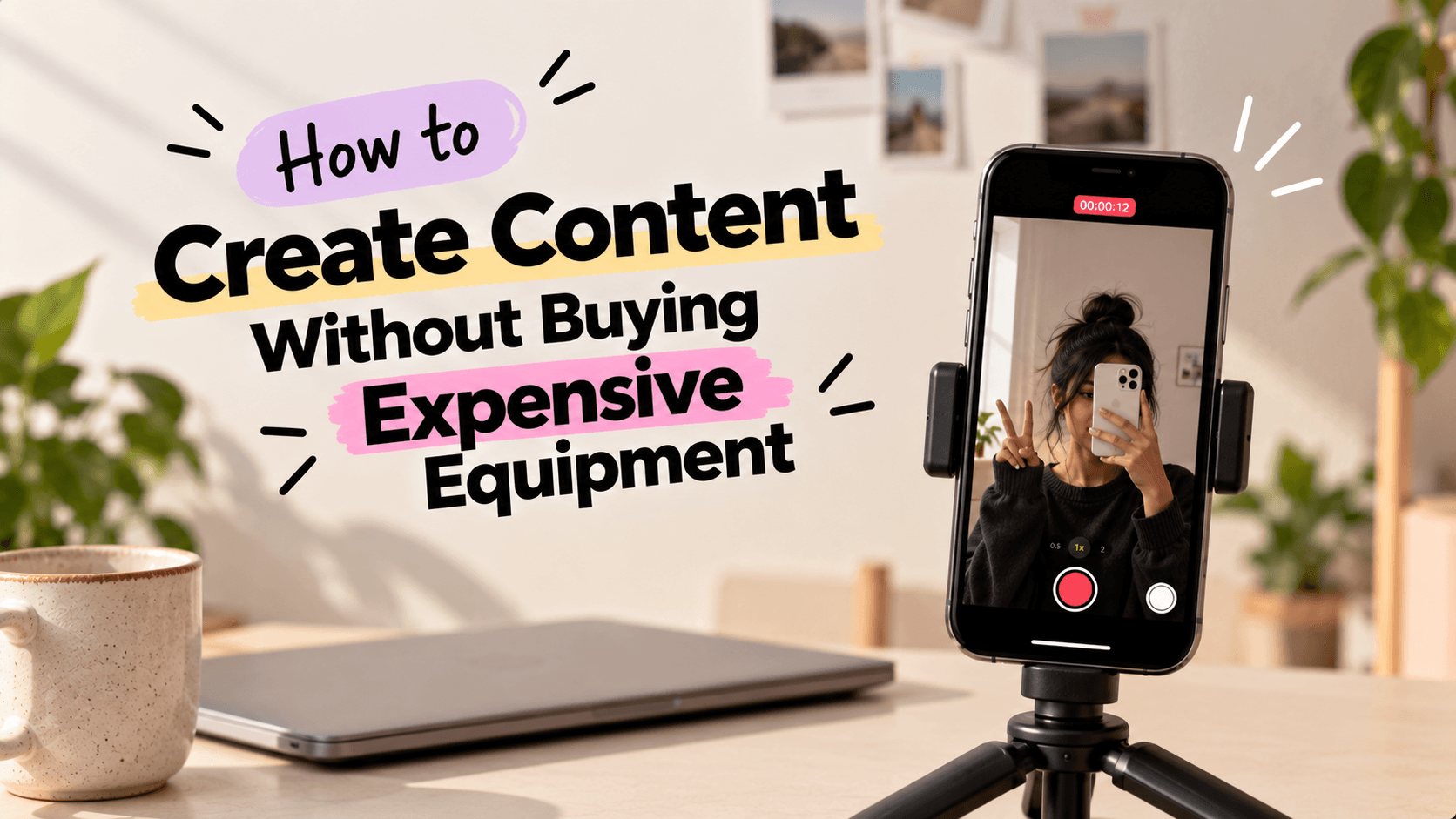
You want to start creating content, but every other creator seems to have a professional camera, studio lights, a fancy microphone and an entire room dedicated to filming.
And suddenly, your phone doesn't feel good enough.
Here's the thing: you don't need an expensive setup to start creating good content. You need to know how to use what you already have.
Your phone, a window, a quiet room and a little creativity can take you further than you might think.
Here are practical ways to create content without expensive equipment, especially when you're just starting out.
1. Use Your Phone Camera and Natural Lighting
Before investing in a camera or studio lights, get comfortable with the equipment you already own.
Most modern smartphones can handle everyday creator content, including Reels, tutorials, product reviews, outfit videos and mini-vlogs.
Try these simple adjustments:
- Clean your camera lens: Fingerprints can make footage look hazy.
- Face a window: Natural light can illuminate your face without additional lighting equipment.
- Avoid strong backlighting: A bright window directly behind you can make your face appear dark.
- Keep your phone steady: Use a stable table or securely stacked books to support it.
- Check your framing: Keep your face or main subject clearly visible, and make sure important objects aren't cut off.
- Simplify your background: A clean wall or tidy corner can work better than a distracting space.
For example, if you're filming a skincare routine, sit facing a window, place your products where viewers can see them and position your phone at a comfortable angle.
If the sunlight is too harsh, move farther from the window or try filming when the light is softer.
Quick tip: Record a short test before filming the entire video. Check the lighting, framing and stability so you don't have to repeat the shoot later.
2. Improve Your Audio Without Buying a Microphone
A video can look great and still lose viewers if they struggle to hear what you're saying.
Before buying an external microphone, improve your recording environment.
- Record in a quiet room.
- Close windows if traffic noise is distracting.
- Switch off noisy appliances when practical and safe.
- Keep your phone reasonably close to your voice.
- Avoid rooms with strong echoes.
- Record a short test and listen before filming the entire video.
For example, if you're recording a voiceover for a Reel, try a quiet room with soft furnishings to help reduce echo.
If your content regularly involves interviews, outdoor filming or distant subjects, an external microphone may eventually be worth considering. Start with your existing setup and upgrade when you identify a genuine need.
3. Create a Simple Filming Setup With Things You Already Own
You don't need to turn an entire room into a content studio. A small, organised space can be enough.
Look around your home for items that can help:
- A clean wall: A simple background for talking-head videos.
- A desk or table: Useful for product reviews, tutorials and demonstrations.
- Books: These can raise your phone when stacked securely on a stable surface.
- A chair near a window: An easy setup for recording videos or voiceovers.
- A bedsheet or curtain: A plain backdrop when your existing background is distracting.
For example, a creator filming jewellery reviews could use a clean table near a window, arrange the products neatly and position the phone securely above the setup.
Keep your arrangement simple and make sure your phone cannot fall. You don't need a professional backdrop, tripod or studio furniture just to begin.
4. Choose Content Formats That Work With Your Current Setup
Not every content idea requires a full filming setup.
If you're working with just your phone, choose formats that suit your available space, lighting and time.
Here are a few ideas:
- Talking-head videos: Share tips, opinions or lessons directly with the camera.
- Voiceover Reels: Record everyday clips and add your explanation afterward.
- Screen recordings: Create app tutorials, walkthroughs or educational content.
- Photo carousels: Share lists, recommendations, step-by-step guides or personal experiences.
- Mini-vlogs: Capture moments from your daily routine.
- Product demonstrations: Show how you use something rather than building an elaborate set.
For example, a fashion creator can create an outfit carousel using phone photos, while an educational creator can explain a topic through a simple talking-head video.
Choose a format that suits your content instead of buying equipment to fit a format you don't need.
5. Use Free or Low-Cost Editing Tools
You don't need expensive editing software to make your videos watchable.
Start with the editing features available on your phone or within the platform you're posting on. Depending on your needs and regional availability, you can also explore free versions of mobile editing apps.
Focus on the basics first:
- Remove unnecessary pauses.
- Arrange clips in a clear order.
- Add readable text and captions.
- Adjust audio levels.
- Keep transitions simple.
- Export in a format suited to your platform.
For example, a 20-second Reel explaining three content tips may only need clean cuts, captions and a strong opening line.
A good edit makes your message easier to follow. It doesn't have to show off every editing feature available.
6. Plan Your Content Before You Start Recording
When you're working with limited equipment, planning helps you make better use of your filming time.
Before filming, decide:
- What is the main point of your video?
- What should the opening hook be?
- Which shots do you need?
- What text or voiceover should you include?
- How should the video end?
For example, if you're creating a Reel about three mistakes new creators make, plan one opening shot, three short sections and a closing takeaway.
You can record all the sections in one sitting using the same setup. This reduces unnecessary retakes and helps you create more content with less effort.
7. Know When It's Actually Worth Spending Money
Creating content on a budget doesn't mean you should never invest in equipment. It means spending when you have a clear reason to do so.
Before buying anything, ask yourself:
- What problem am I trying to solve?
- Can I fix it by changing my current setup?
- Will this equipment improve the content I regularly create?
- Is this a recurring problem or a one-time inconvenience?
- Can I justify the expense based on my needs and budget?
For example, if you regularly film outdoors and wind noise makes your voice difficult to hear, an external microphone with suitable wind protection may be worth considering.
If you mainly create carousels and voiceover videos, buying a professional camera may not improve your workflow enough to justify the cost.
Buy to solve a real problem, not because you feel behind other creators.
Common Mistakes to Avoid When Creating Content on a Budget
A few habits can make content creation harder than it needs to be:
- Waiting for the perfect setup: Start with what you have and improve as you learn.
- Ignoring lighting and audio: Check both before recording instead of trying to fix every issue later.
- Overcomplicating edits: Clear cuts and readable captions can be enough.
- Copying another creator's entire setup: Their equipment needs may be different from yours.
- Buying before identifying the problem: Understand what your current setup cannot do before spending money.
You don't need to fix everything at once. Identify the biggest issue affecting your content and work on that first.
Final Thoughts
You don't need a professional studio to start creating content. You need an idea worth sharing and a setup that helps people see, hear and understand it.
Use your phone, find good light, record in a quiet space and learn the editing basics.
As you create more content, you'll understand which tools genuinely help you and which purchases can wait.
Your first goal isn't to build the perfect creator setup. It's to start creating with what you already have.
FAQs
1. Can I create good content using only my phone?
Yes. A smartphone can be enough for many types of creator content, including Reels, tutorials, product demonstrations, mini-vlogs and talking-head videos. Good lighting, clear audio and thoughtful framing can improve your results.
2. What equipment do beginner content creators need?
You can start with a smartphone and a suitable filming space. Natural light and a quiet room can help with filming, while free editing tools can cover many basic needs. Additional equipment depends on your content style.
3. How can I make my videos look professional without a camera?
Clean your camera lens, use natural light, keep your phone steady, choose a tidy background and frame your subject clearly. Removing unnecessary pauses and checking audio quality can also improve the finished video.
4. How can I create content with no budget?
Use your phone, natural light, existing household items and free editing features. Start with simple formats such as talking-head videos, carousels, voiceovers and tutorials. Focus on useful ideas rather than expensive production.
5. When should I invest in content creation equipment?
Consider investing when you repeatedly encounter a specific limitation that affects your content. For example, you might need better audio for regular interviews or a more stable filming setup for demonstrations. Prioritise purchases based on your actual needs and budget.
Ready to start your creator journey?
Download Hey! Creators. Brand deals, affiliate earnings, AI tools, and everything you need in one app.